FamTask
Advanced Interaction Design: A deep dive into UX design focusing on user analysis, requirements management, and the design process. The goal is to translate complex user needs into intuitive digital solutions.
Tools & tech
My role
The assignment
The challenge
Challenge
Solution
Key features
Results
- User task completion rate improved by 45%
- Daily active users increased by 70%
- Reduced learning curve by 3 days
Screens
Design process
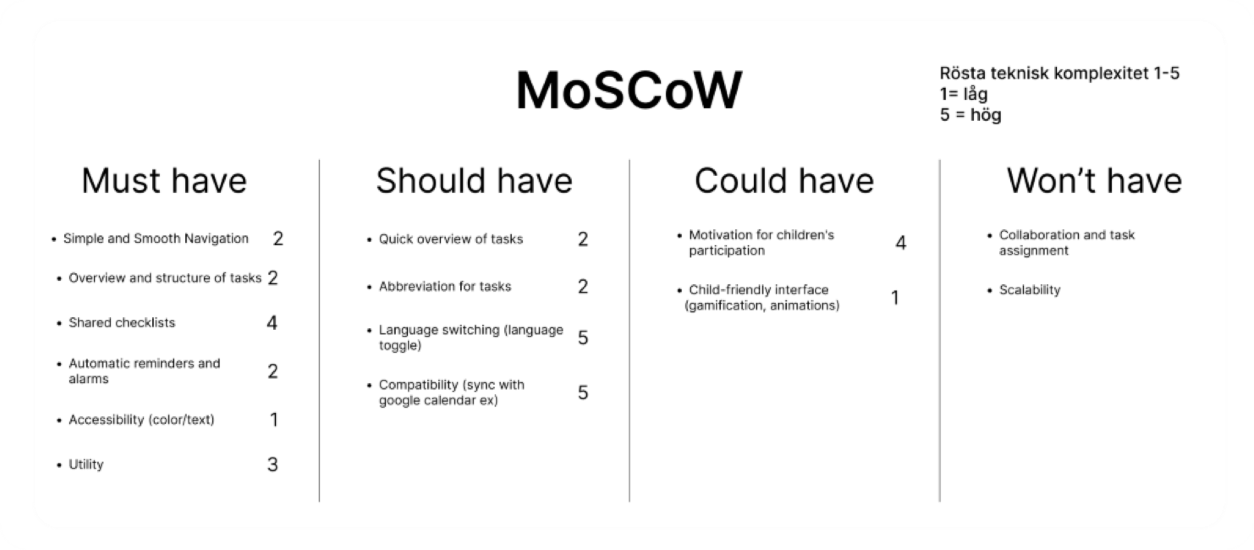
FamTask's MoSCoW
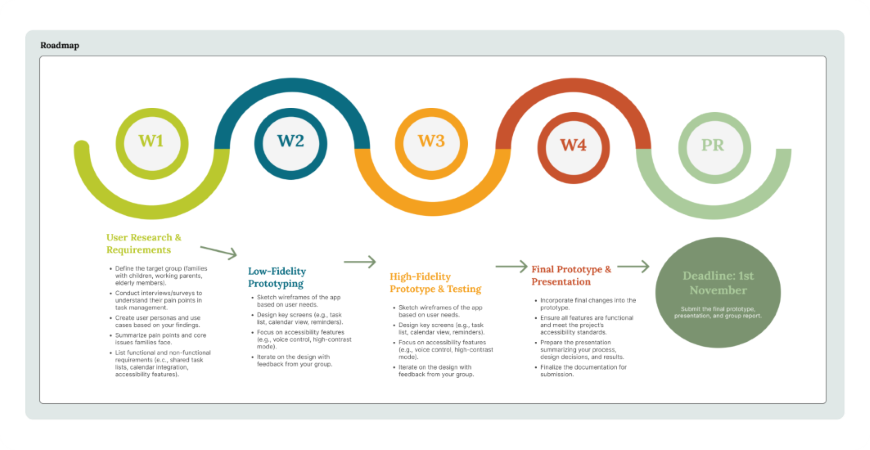
FamTask's Roadmap
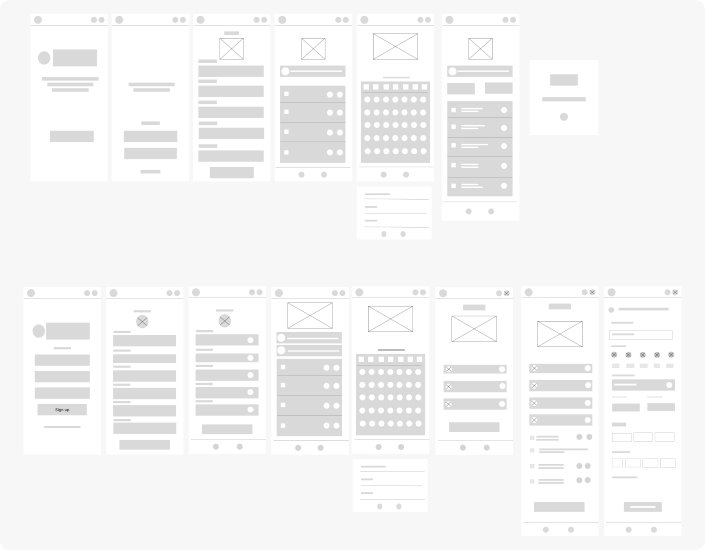
FamTask's Lo-fi Wireframes
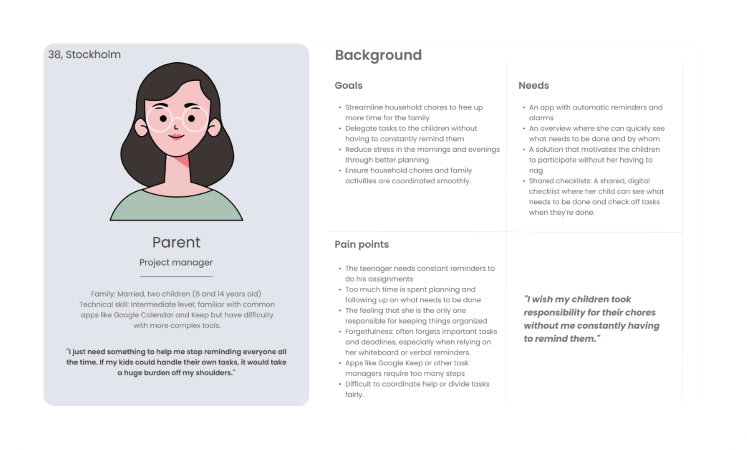
FamTask's Persona
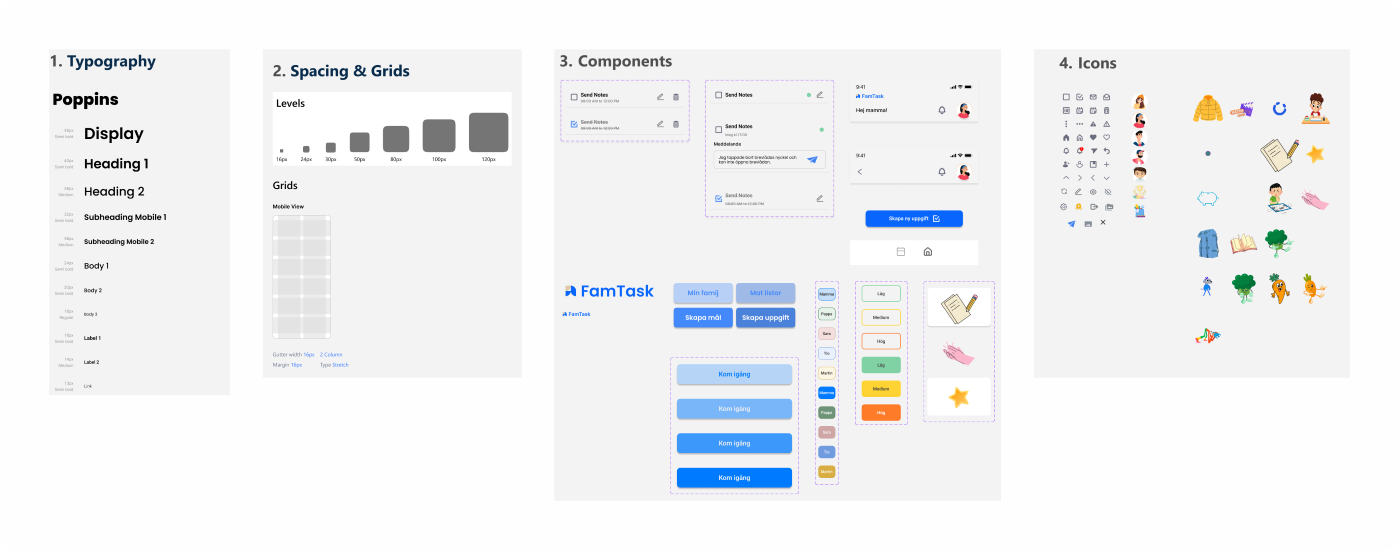
FamTask's Components
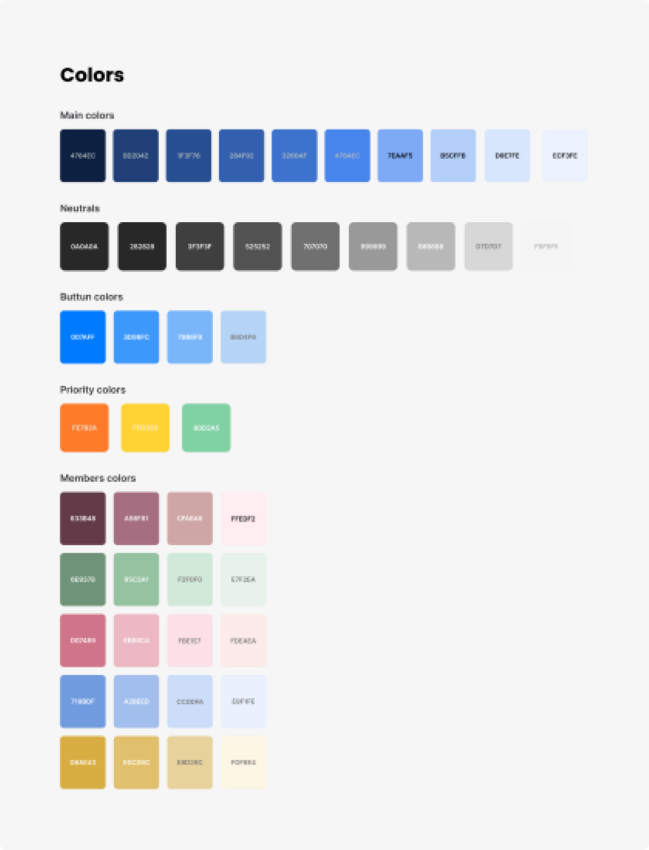
FamTask's Colors System
Wireframes & flows
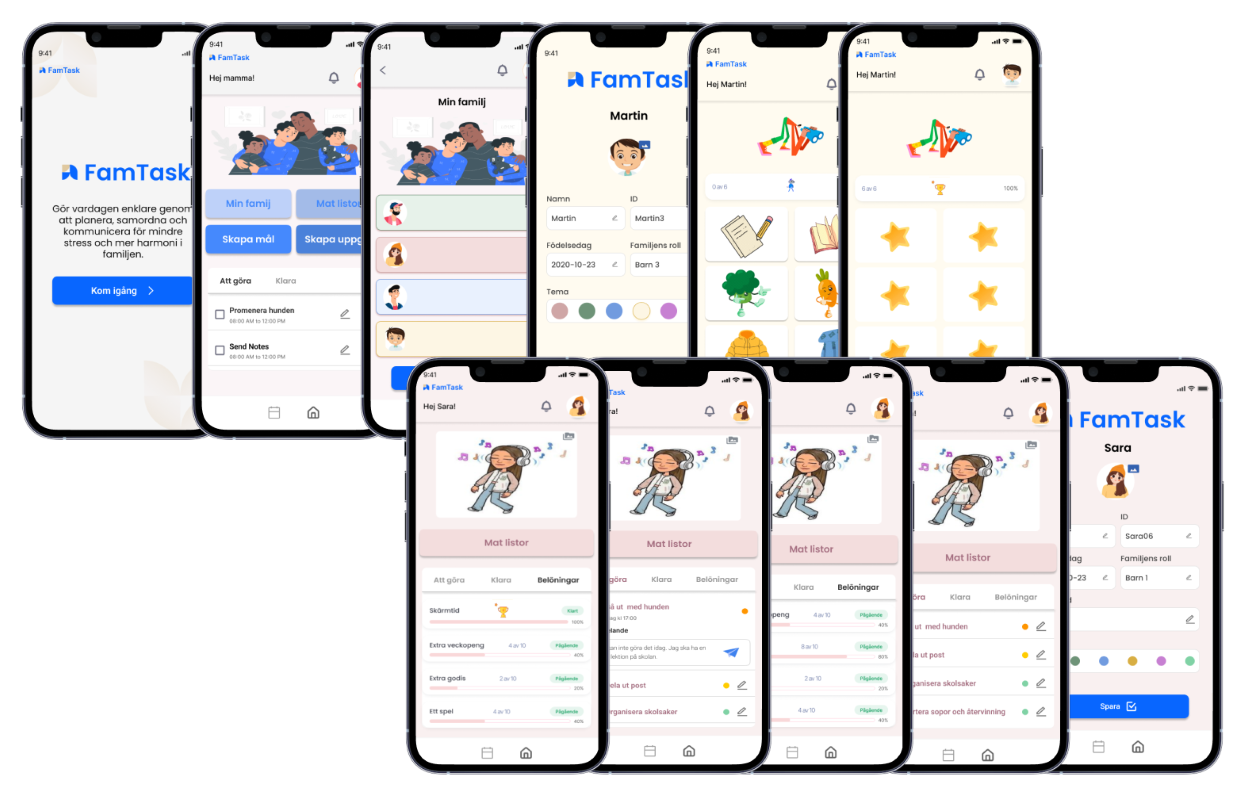
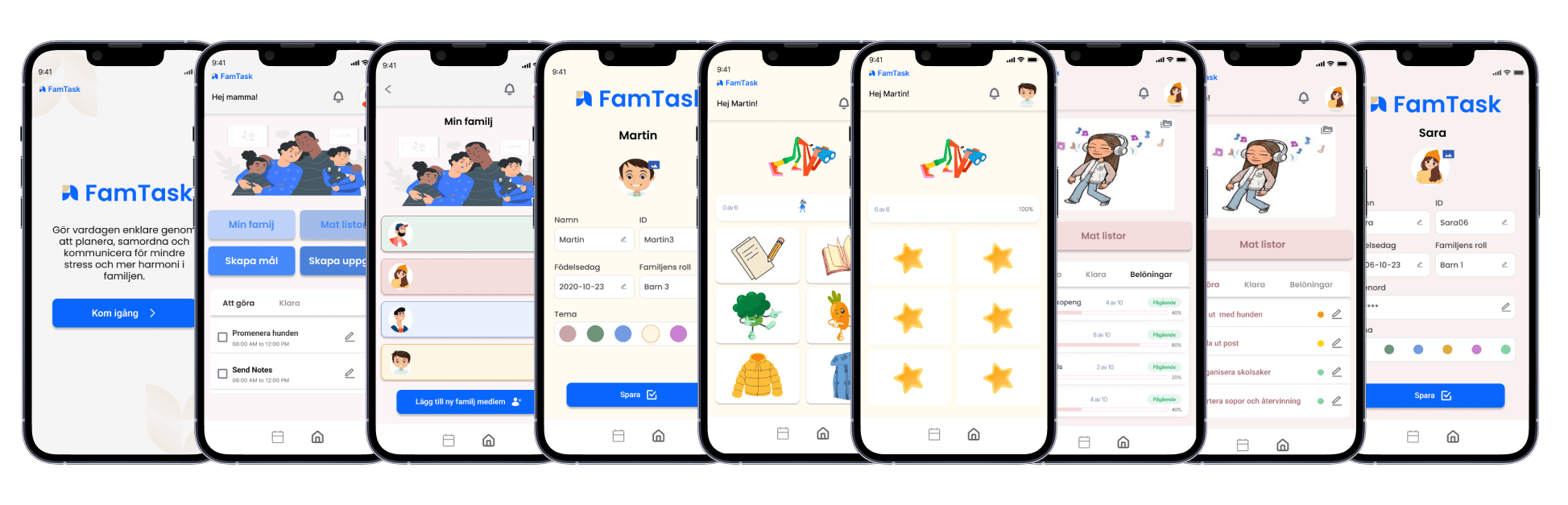
FamTask is a family task management app designed to help busy families coordinate chores, activities, and responsibilities in a structured and motivating way. The wireframes cover flows for parents, children, and younger kids, ensuring accessibility and usability for all ages.
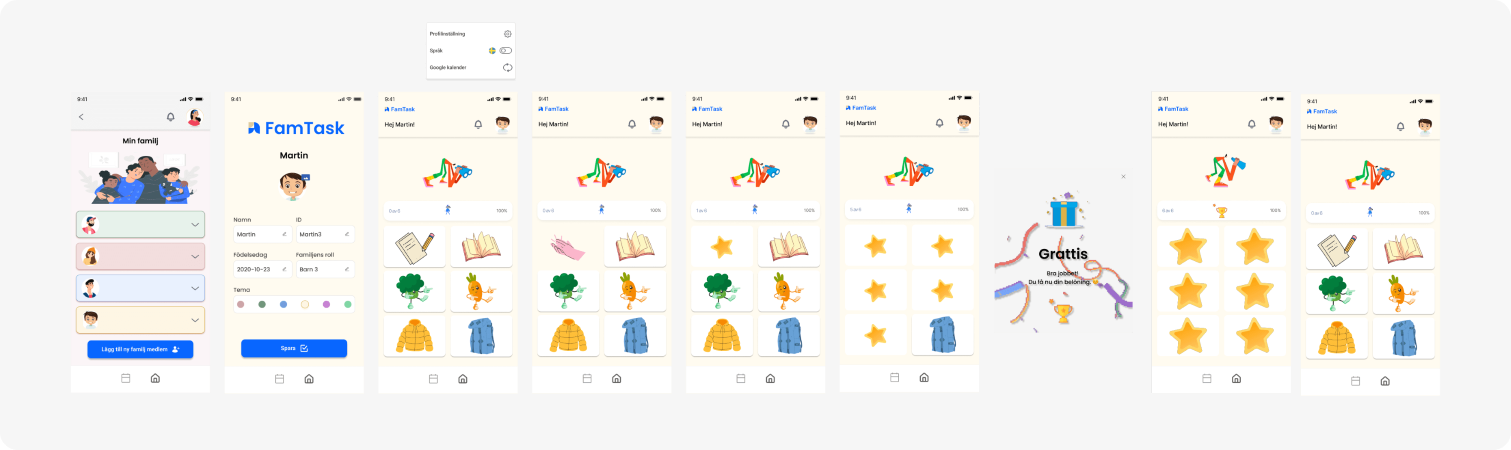
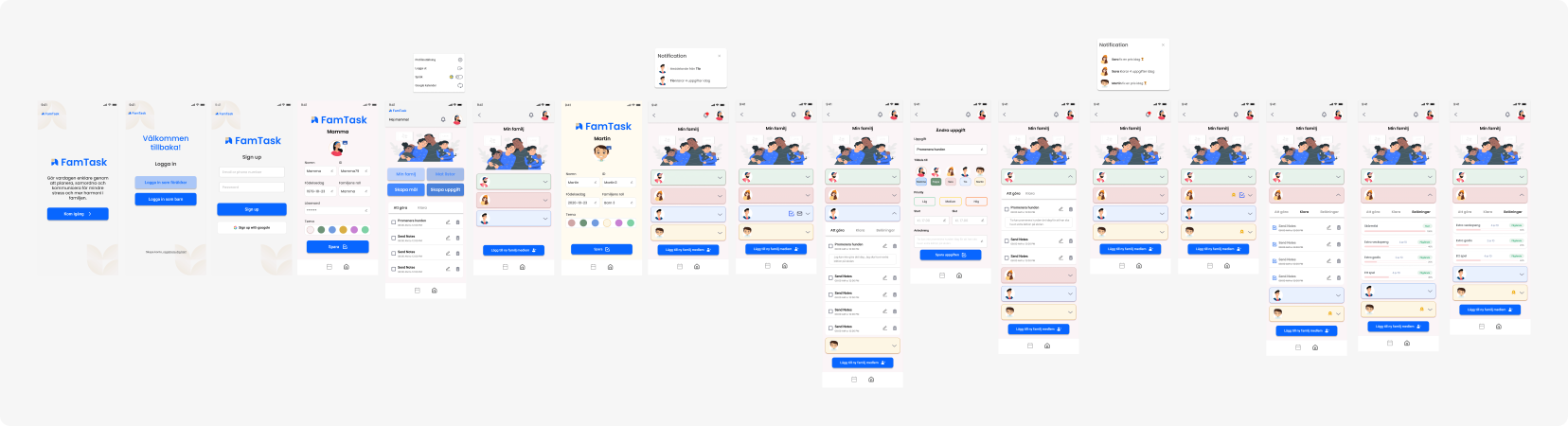
Onboarding & Profiles.
- •Sign-up/login flow for parents and children with options for Google integration.
- •Profile setup allows customization with name, role, avatar, and theme color.
- •Separate parent and child views ensure the right features and permissions are available for each role.
- •This creates a personalized and inclusive experience from the start.
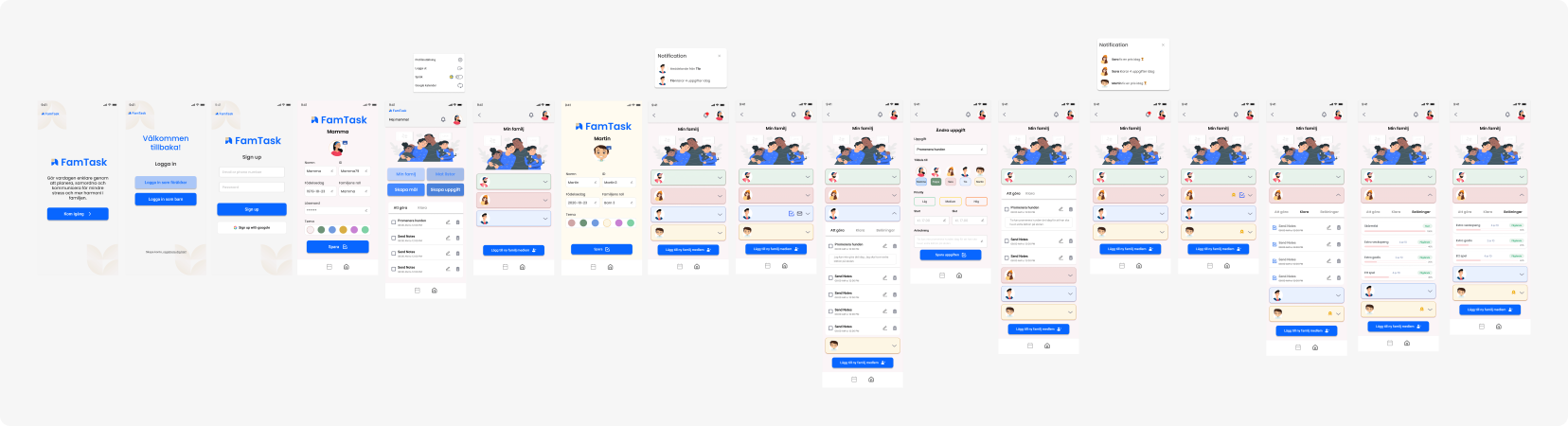
Parent Dashboard:
- •Access to family overview, tasks, and goals.
- •Ability to create tasks or goals, assign them to family members, and set priority, frequency, and deadlines.
- •Notifications keep parents informed about progress and reminders.
- •Integration with Google Calendar for smooth scheduling.
- •The parent interface prioritizes control, oversight, and organization.
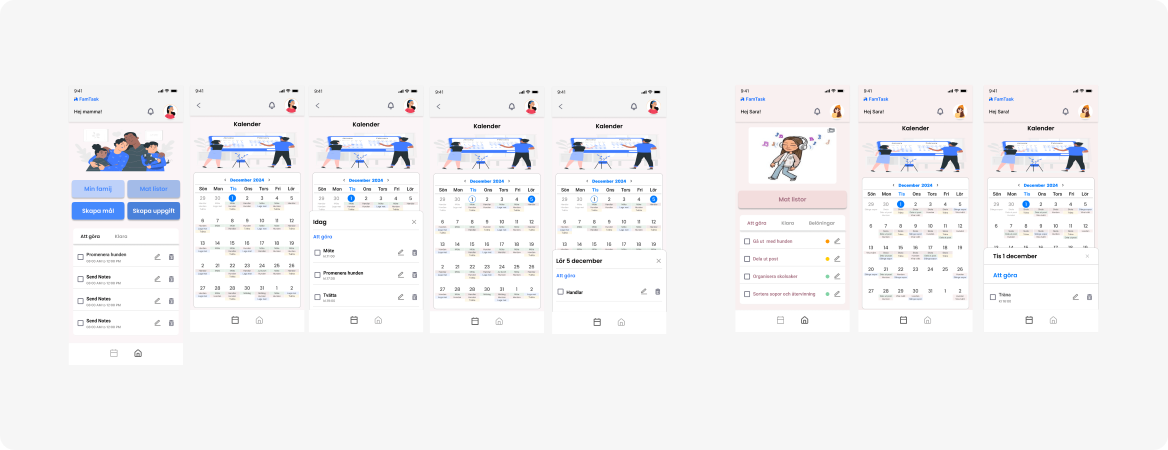
Calendar Integration
- •Family-wide calendar view with monthly and daily breakdowns.
- •Tasks and events are displayed in one place to reduce scheduling conflicts.
- •Parents can quickly add, edit, or remove items.
- •This feature supports seamless coordination of family activities.
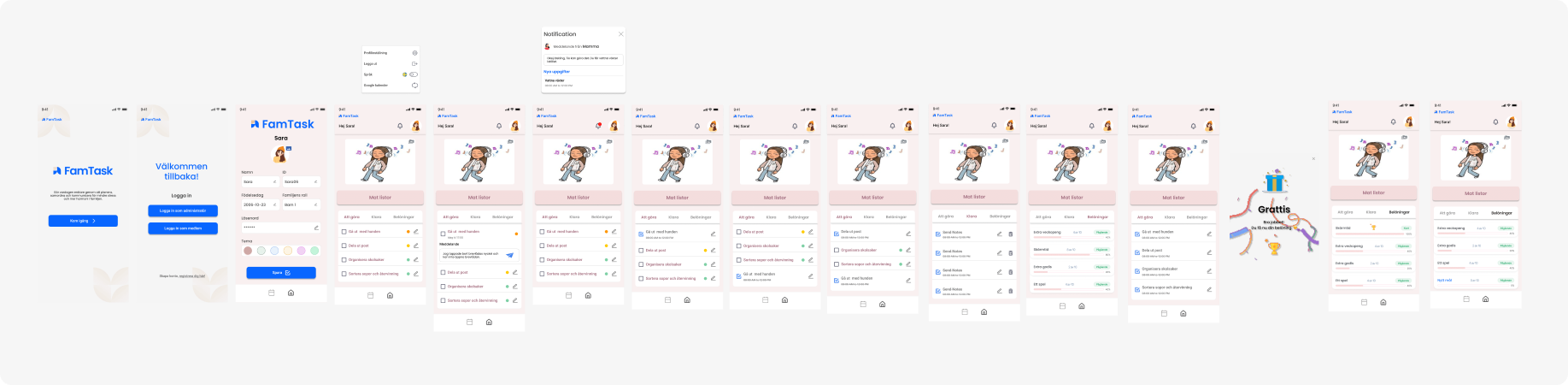
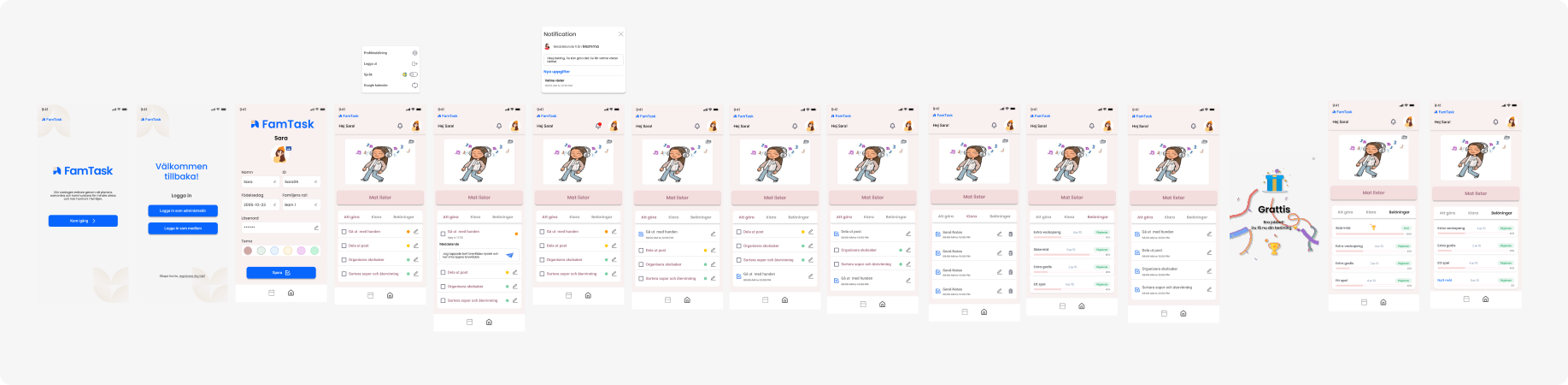
Child Dashboard:
- •Simple to-do lists with tasks assigned by parents.
- •Tabs for to-do, completed, and rewards to give a clear sense of progress.
- •Visual rewards system (points, stars, and gifts) encourages motivation and responsibility.
- •Notifications notify children of new or pending tasks.
- •The design gamifies household chores, making participation fun and engaging.
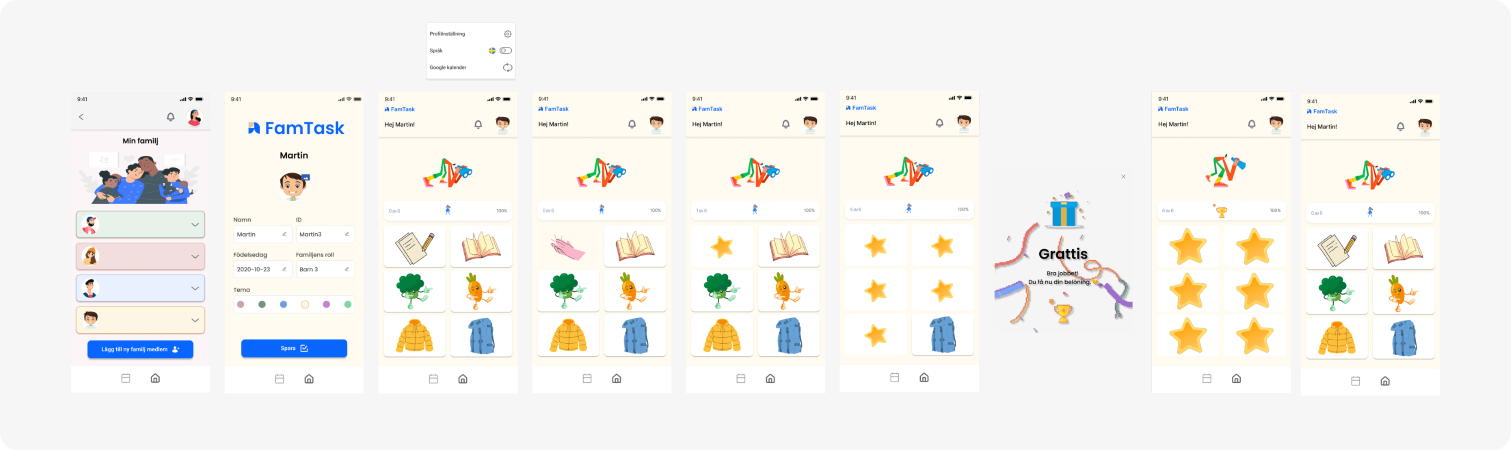
Young Children's View
- •Uses visual icons and images instead of text-heavy lists.
- •Progress is tracked with stars and fun illustrations.
- •A reward celebration screen appears when goals are achieved.
- •This makes the app accessible and motivating even for younger kids.
Conclusion
FamTask is designed for busy parents and children, with a simple interface that reduces complexity and makes task management easier.
A clear visual hierarchy and color-coded tasks guide attention and help identify responsibilities quickly.
The child-friendly yet balanced aesthetic engages kids while still appealing to adults. This ensures that children can interact with the app effectively while catering to the preferences of adult users.
Features like progress tracking and visual cues (e.g., checkboxes) provide feedback, motivate users, and foster a sense of accomplishment.